01 — Overview
Overview
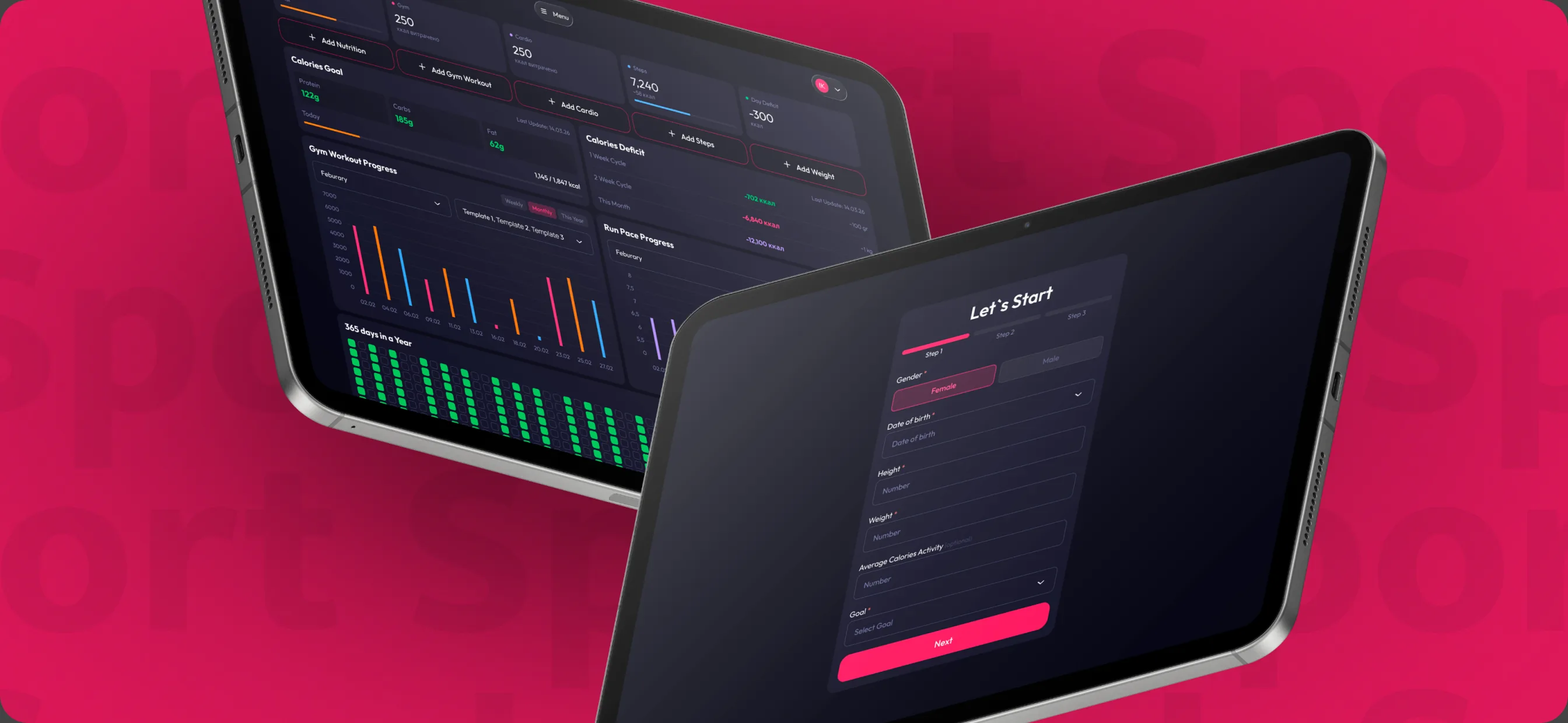
For a long time, I’d been trying to track my progress in the gym, cardio and nutrition — but the data lived in three different places. Nutrition was logged in an app, then moved to Excel, where I also kept my workouts, and the number of workouts was counted separately in Notion. No tool showed me the one thing that mattered — my real weekly calorie deficit, taking the gym, steps and cardio into account at the same time.
As a product designer, this is exactly the kind of problem I’m good at spotting and solving at the layout level. The real question was different: now that Claude Code exists, could I take the solution all the way to a working product myself — without a development team?
02 — MVP scope
Product decisions
one prompt — one task
MVP scope — four modules in order of priority:
- Calories & macros — daily and weekly nutrition tracking (real deficit/surplus) based on a formula
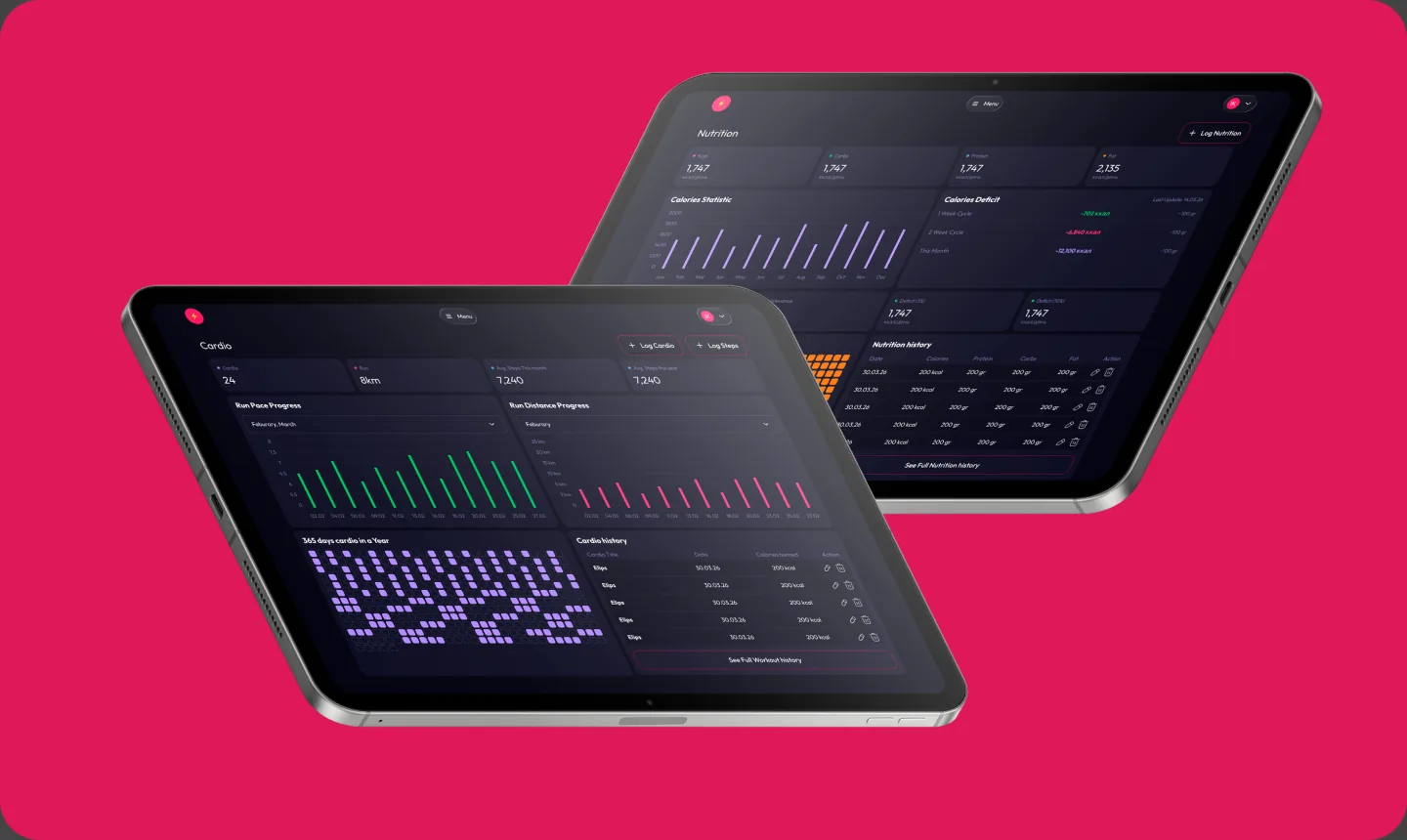
- Workout tracker — strength training log, tonnage, progress per exercise
- Cardio & running — pace, distance, progress
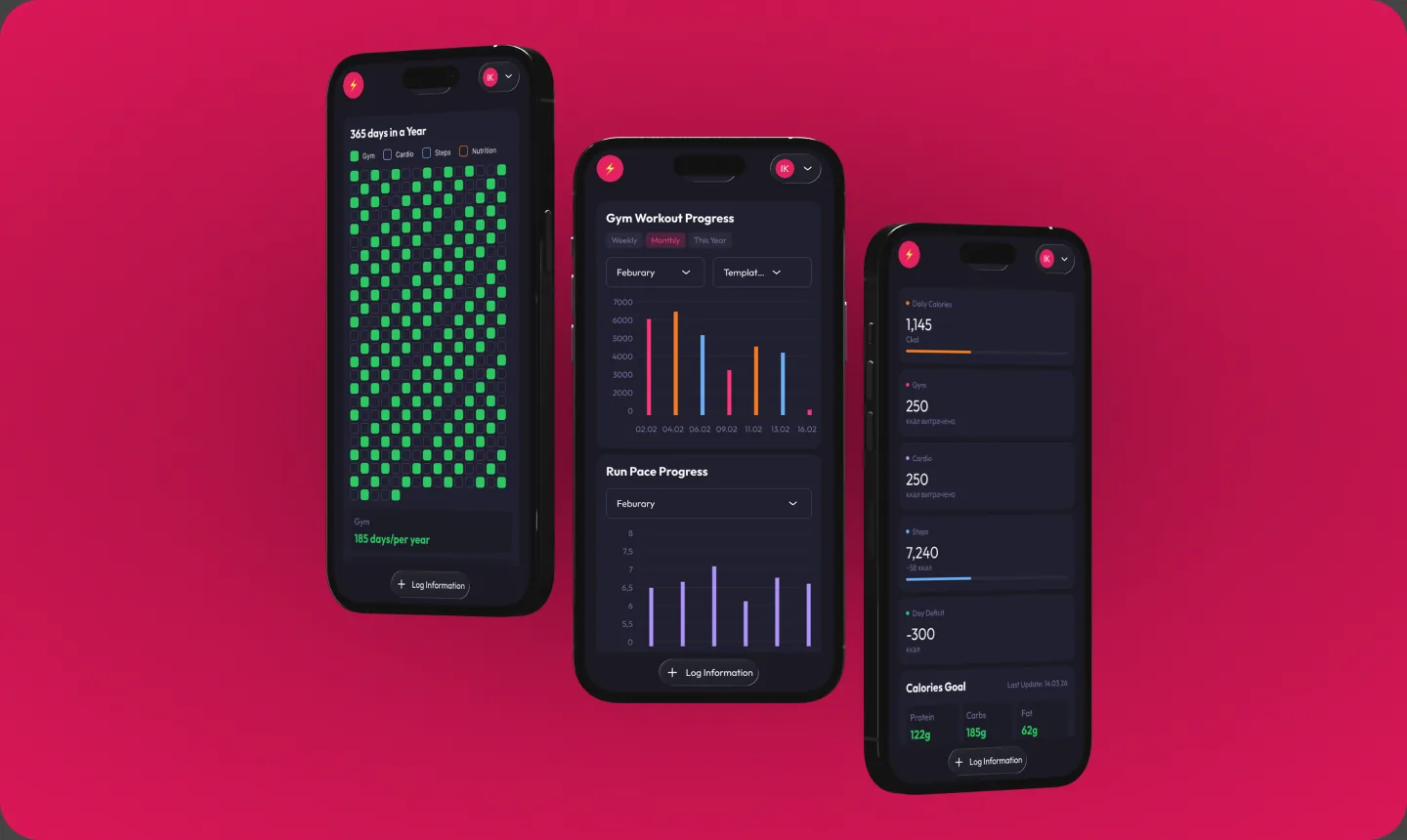
- Dashboard — daily summary, 365 activity squares
03 — Architecture
Information architecture
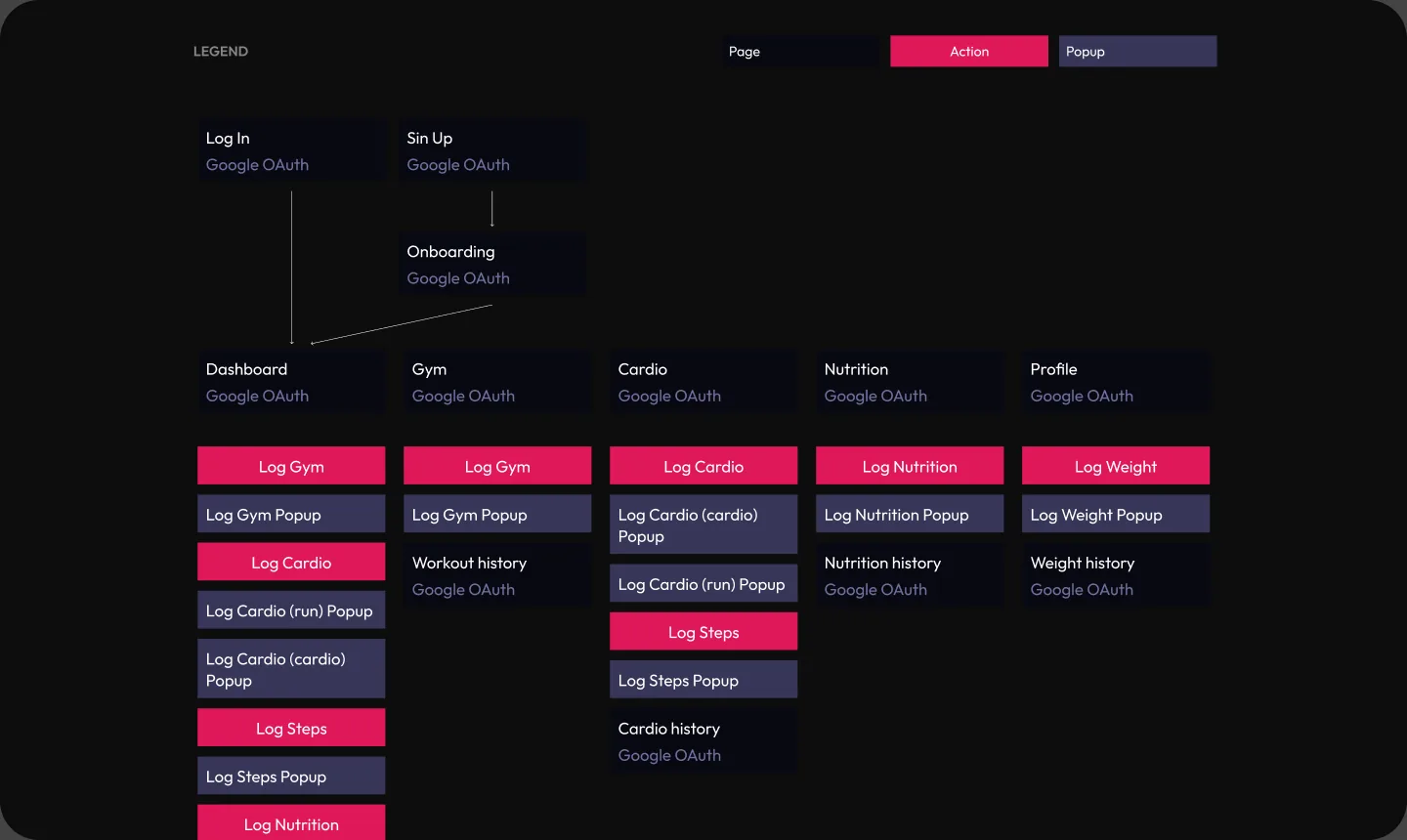
I narrowed the information architecture down to 19 screens: auth, a three-step onboarding, five main sections (dashboard, gym, cardio, nutrition, profile), four history screens and six pop-up modals for logging actions.
The key realization came during documentation: the whole product rests on a single dependency chain. BMR and TDEE are calculated from the personal data entered during onboarding (weight, height, age, sex) → daily calories depend on TDEE → nutrients depend on calories → daily, weekly and monthly deficit depend on nutrients. The personal profile turned out to be not just a data form but the foundation of the product’s entire math — and onboarding design instantly became a critical entry point into the system rather than a routine screen.
04 — Building with AI
AI-Powered Development
Claude — strategic partner: problem statement, persona, product documentation, architecture decisions, formulas.
Claude Code — implementation: project skeleton, Prisma schema, API routes, syncing the frontend with the backend.
Workflow: a separate project in Claude → every output (persona, documentation, architecture) is saved in the project’s .md files to save tokens and keep “memory” → one module = one prompt → the backend built feature by feature: Auth → Dashboard → Nutrition → Weight/Steps → Cardio → Gym.
05 — Key Learnings
Key Learnings
- Documentation isn’t bureaucracy, it’s insurance: a precise description of the formulas and architecture saved the product from logic bugs before they ever reached the code.
- “One prompt — one task” works, but a well-written .md file with instructions matters more than the approach itself.
- A separate project in Claude with documentation files inside it saves tokens and keeps the “memory” of the architecture across chats.
- AI is great at taking over implementation, but architecture and product decisions stay with the human — and the more precise the documentation, the fewer surprises at the end.
06 — Problems & solutions
Problems & solutions
Google authentication
⚠ PROBLEM
Connecting Google OAuth via NextAuth took far more time and effort than any other part of the project — I had never faced problems of this kind before.
✓ SOLUTION
I worked through it step by step using the NextAuth docs and Google Cloud Console; after the first successful connection, the pattern repeated for the rest of the auth flow without extra difficulty.
No component storybook at the start
⚠ PROBLEM
Without an isolated component library, Claude Code had no clear boundary of what it could and couldn’t change. One prompt editing a single block started creating new bugs across the whole system — titles disappeared and styles broke in places nobody had touched.
✓ SOLUTION
I moved the components into an isolated structure (components/ui, components/dashboard, components/gym, etc.) and explicitly stated the scope of changes in later prompts — this stopped edits from spreading unpredictably.
07 — Results
Results
Documentation is insurance: a precise description of the formulas and architecture protected the product from logic bugs. AI is excellent at implementation, but architecture and product decisions remain with the human.
$20/міс · $20/mo · $20/mies.
development cost
~2,5 тижня · ~2.5 weeks · ~2,5 tygodnia
from idea to backend and frontend
19
screens in the product
~24
API endpoints