01 — Introduction
Introduction
UX has never existed in a vacuum. User experience is a much broader concept than interacting with digital products. It’s shaped every day: when we buy groceries, use public transport, look for information or deal with other people. This prior experience affects how we perceive new products, what we expect from them and what behavior we consider intuitive.
One of the well-known UX principles, Jakob’s Law, says that users expect new interfaces to behave like the ones they’re already used to. And in my opinion, this is one of the key ideas of UX design: we don’t create user experience from scratch — we build on people’s existing habits, needs and mental models. The best product decisions are often born not from designers’ or developers’ ideas, but from observing how people actually behave, what tasks they’re trying to complete and what difficulties they run into.
02 — User experience: an offline vs online store
User experience: an offline vs online store
Imagine an ordinary large supermarket. My task is simple — buy milk.
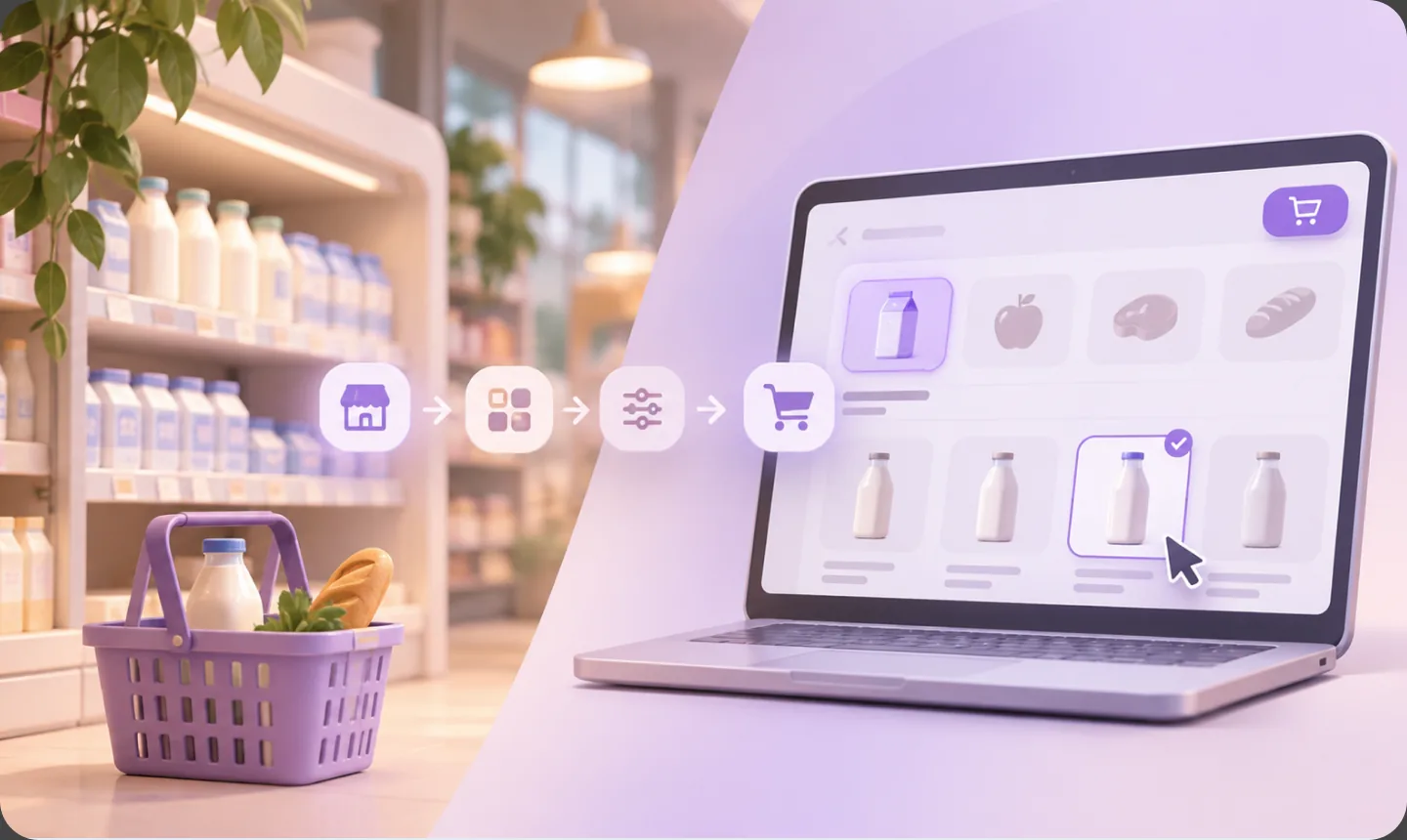
I walk into the store and know I need to head to the dairy section. Products are grouped into categories and subcategories, so I don’t have to check every shelf. When I find the milk, the next stage begins — choosing. I compare brands, prices, fat content and other characteristics to find the right product. And if I don’t know where to look, I can ask a store assistant.
When shopping moved online, the interaction principles we know moved into the digital world along with it.
- The store’s physical sections became categories and subcategories.
- Choosing products by brand, price or characteristics became filters.
- Looking for the cheapest or most expensive item became sorting.
- Asking an assistant to help find a product became the search bar.
That’s how the online shopping experience we’re used to took shape. Categories, filters, search and sorting help us find our way through thousands of products. But all of these features share one goal — to help the user find what they need.
My goal is to buy milk. But to do that, I have to go through a certain path myself: find the category, apply filters, compare products and make a choice.
03 — Where does AI come in, and how does it change UX?
Where does AI come in, and how does it change UX?
Imagine that instead of looking for the dairy section and comparing dozens of products, I simply go up to an assistant and say:
“I need a liter of lactose-free 2% milk, ideally under 6 zloty.”
And they bring me the right product straight away.
That’s roughly how AI can change the online shopping experience.
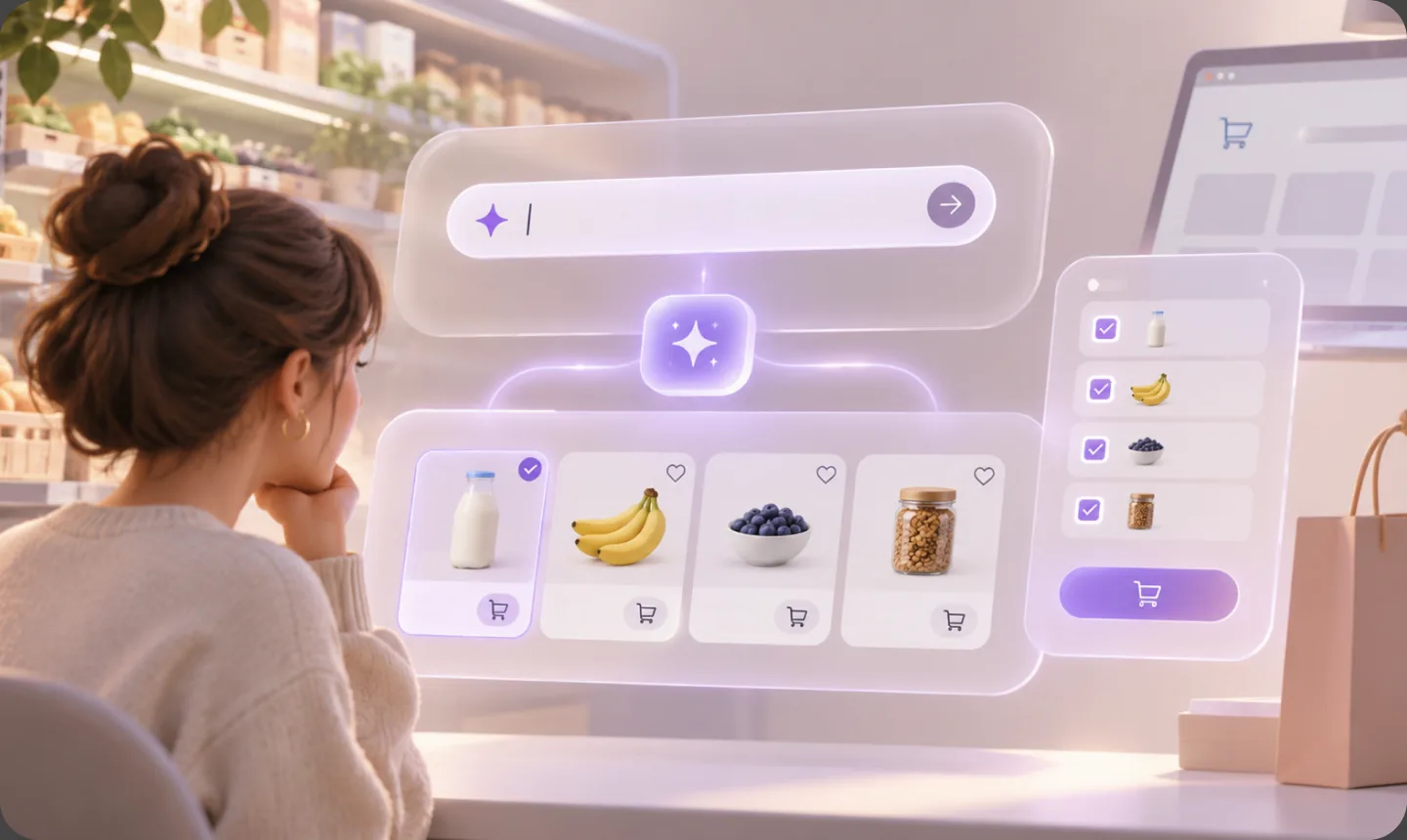
Instead of opening a catalog, moving between categories, applying filters and sorting products, I can simply describe the result I want in a chat.
AI interprets my needs on its own, finds suitable products and offers a result.
Before, I had to explain to the interface how to find the product through a sequence of actions. Now I can simply say what I want to get.
And in my opinion, this is one of the most interesting changes AI brings to user experience: the focus shifts from the process of reaching a goal to the goal itself.
04 — A paradigm shift: from commands to intent
A paradigm shift: from commands to intent
What we’re seeing today isn’t just the arrival of a new way to search for information. It’s a change in the very paradigm of human–computer interaction.
In the article AI: First New UI Paradigm in 60 Years, Jakob Nielsen describes three main stages in the evolution of user interfaces.
The first is batch processing. The user prepared a set of instructions, handed them to the computer and got the result once they were executed. There was practically no way to interact with the system during the process.
The second is command-based interaction. Users gained the ability to control the process step by step. First through the command line, and later through graphical interfaces: buttons, menus, forms and other elements. Every action is a command that brings us closer to the desired result.
The third is intent-based outcome specification. With generative AI, users can describe the result they want without defining the sequence of actions needed to get there. The system chooses how to complete the task on its own.
And this is where the most interesting change happens.
For decades, we learned to interact with computers in their language. Now computers are starting to understand ours.
Before, to get a result, we had to know how the interface worked: where to find the right feature, which parameters to set and which sequence of actions to follow.
Now we can start by describing what we want to achieve, and AI takes over part of the work.
But this creates new challenges for UX.
Where a designer could once design a specific user path and anticipate most of the user’s actions, there are now far more possible interaction scenarios. Users may phrase the same intent in different ways, give incomplete information or expect results that the system misinterprets.
This is where my hypothesis comes in: the more freedom AI gives users in how they reach their goal, the more important it becomes to research their real needs, behavior and expectations.
We need to understand not only how a user completes a task today, but also what outcome they’re really after, which decisions they’re willing to delegate to the system, and where they need to stay in control.
Perhaps the future of UX lies not in creating ever more convenient paths to a result, but in rethinking which parts of that path users should have to walk themselves at all.
05 — How AI changes UX: calorie tracking
How AI changes UX: calorie tracking
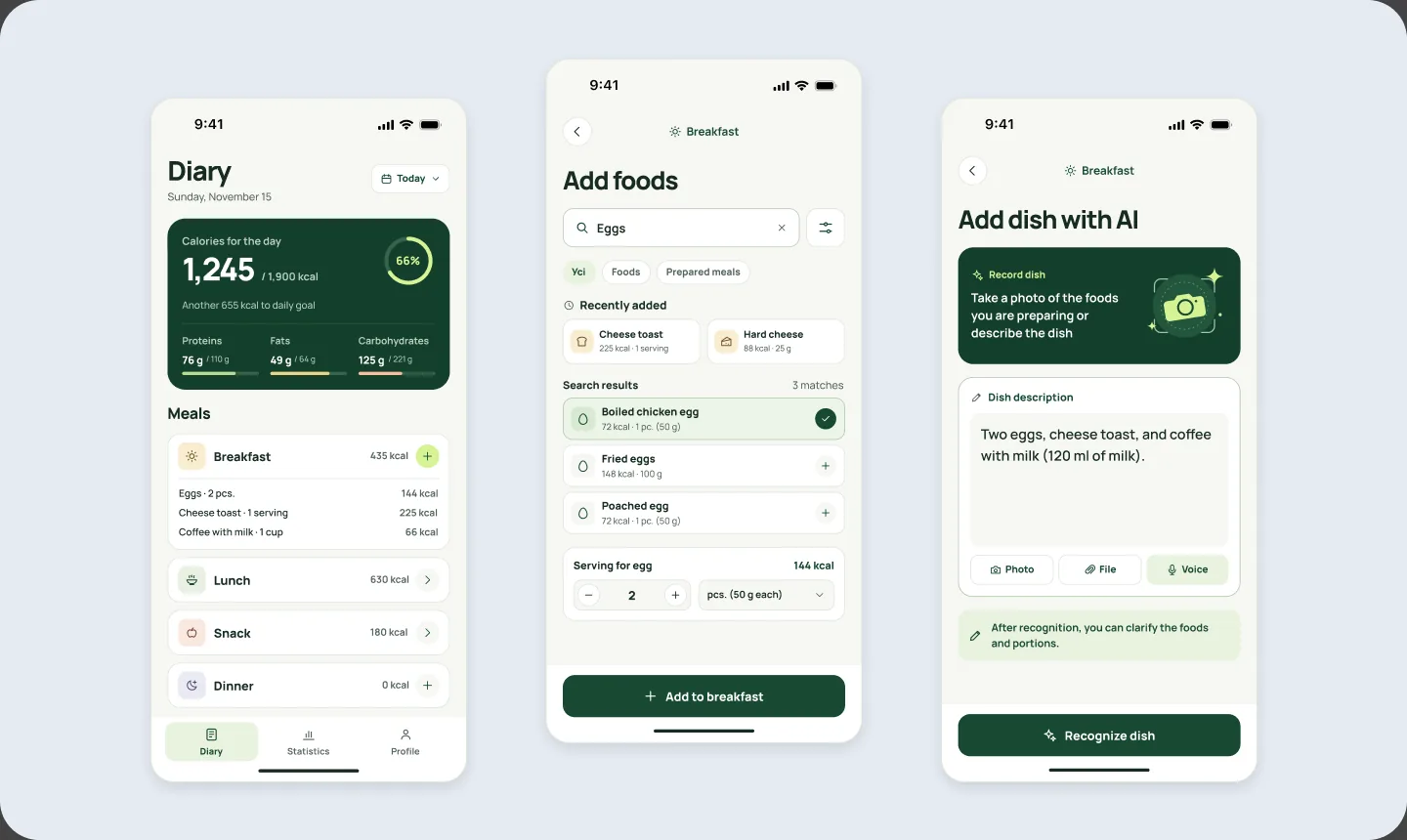
Imagine an ordinary calorie-counting app. To log breakfast, the user has to find every product in the database, pick the right option, enter its weight and add it to the diary. If breakfast has five ingredients, they have to repeat this five times.
With AI, the user can simply take a photo of their breakfast or describe it by voice: “Two eggs, toast with cheese and coffee with milk.” The system recognizes the products, estimates the portions and suggests a calorie and macro breakdown. All the user has to do is check the result, adjust the amounts if needed and confirm the entry.
We don’t change the user’s goal — tracking nutrition. We remove a large share of the manual actions needed to reach it. Instead of searching for each product and filling in forms, the user describes the result, and the system does the work in between.
06 — How AI changes UX: ClickUp
How AI changes UX: ClickUp
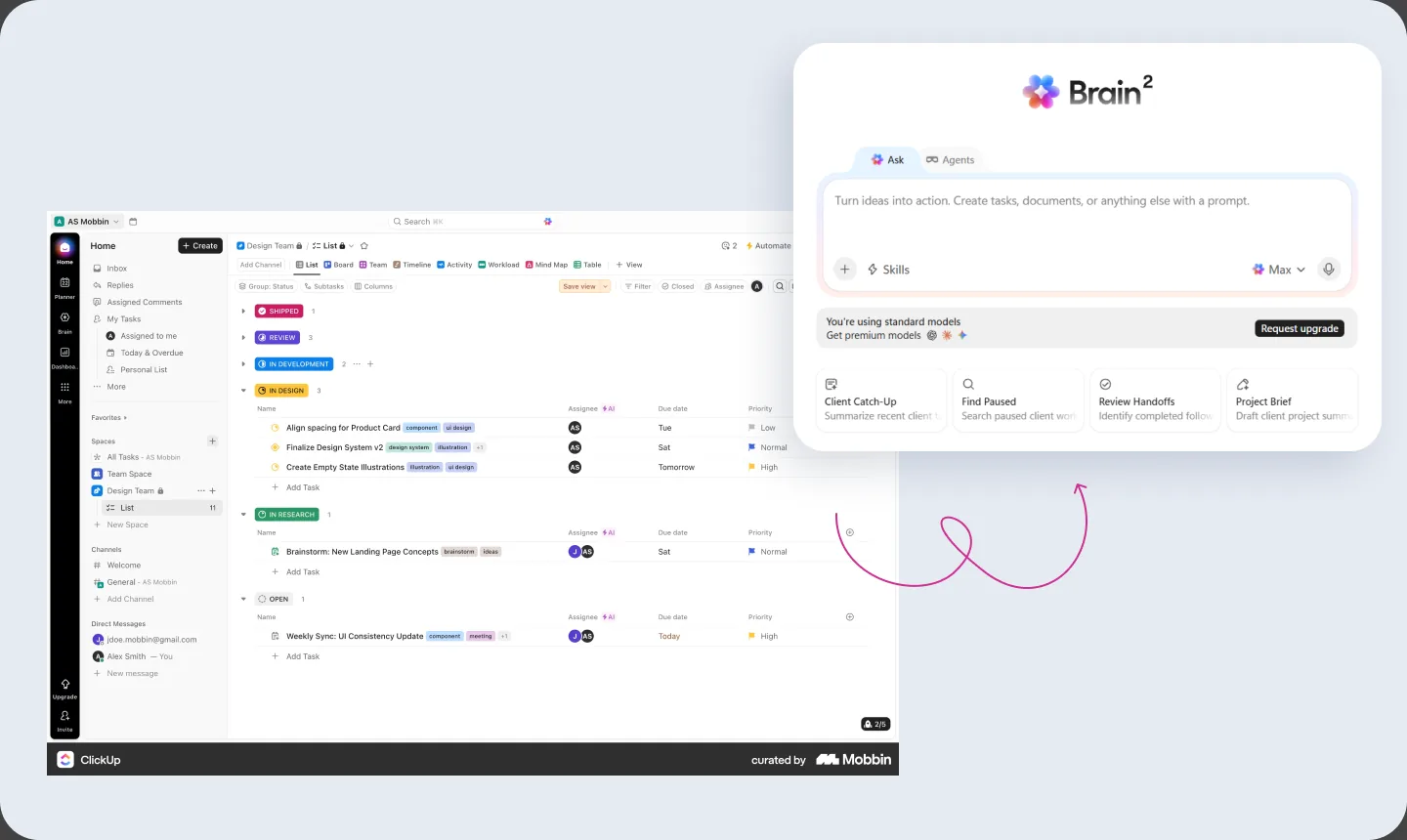
Imagine I need to create several tasks for a new project in ClickUp.
In the traditional interface, I open the project, go to the task list, click Create Task, enter a name and description, assign an owner, set the priority and the deadline. Then I repeat this for every next task.
With AI, I can simply describe the result I want: “In the Website Redesign project, create five UX research tasks: competitor analysis, interviews, results analysis, hypothesis forming and preparing recommendations. Assign owners and set deadlines according to the project plan.”
AI can use the project’s context, draft the tasks, fill in the required fields and, once I confirm, add them to ClickUp.
The result stays the same — a structured task list in a familiar interface. But instead of creating each item by hand, the user describes what they want, and the system takes care of the steps in between.
07 — The future of UX isn’t abandoning interfaces, it’s rethinking how we interact with them
The future of UX isn’t abandoning interfaces, it’s rethinking how we interact with them
If you look at all these examples, you can see a common pattern.
We still want to see a product catalog, a food diary, a task list or analytics. Visual interfaces remain important because they help us take in information, evaluate results, make changes and stay in control of what’s happening.
What’s changing is the way we interact with these interfaces.
Before, we designed the sequence of actions a user had to go through to get a result. Now we can let them describe the result they want and delegate part of those actions to AI.
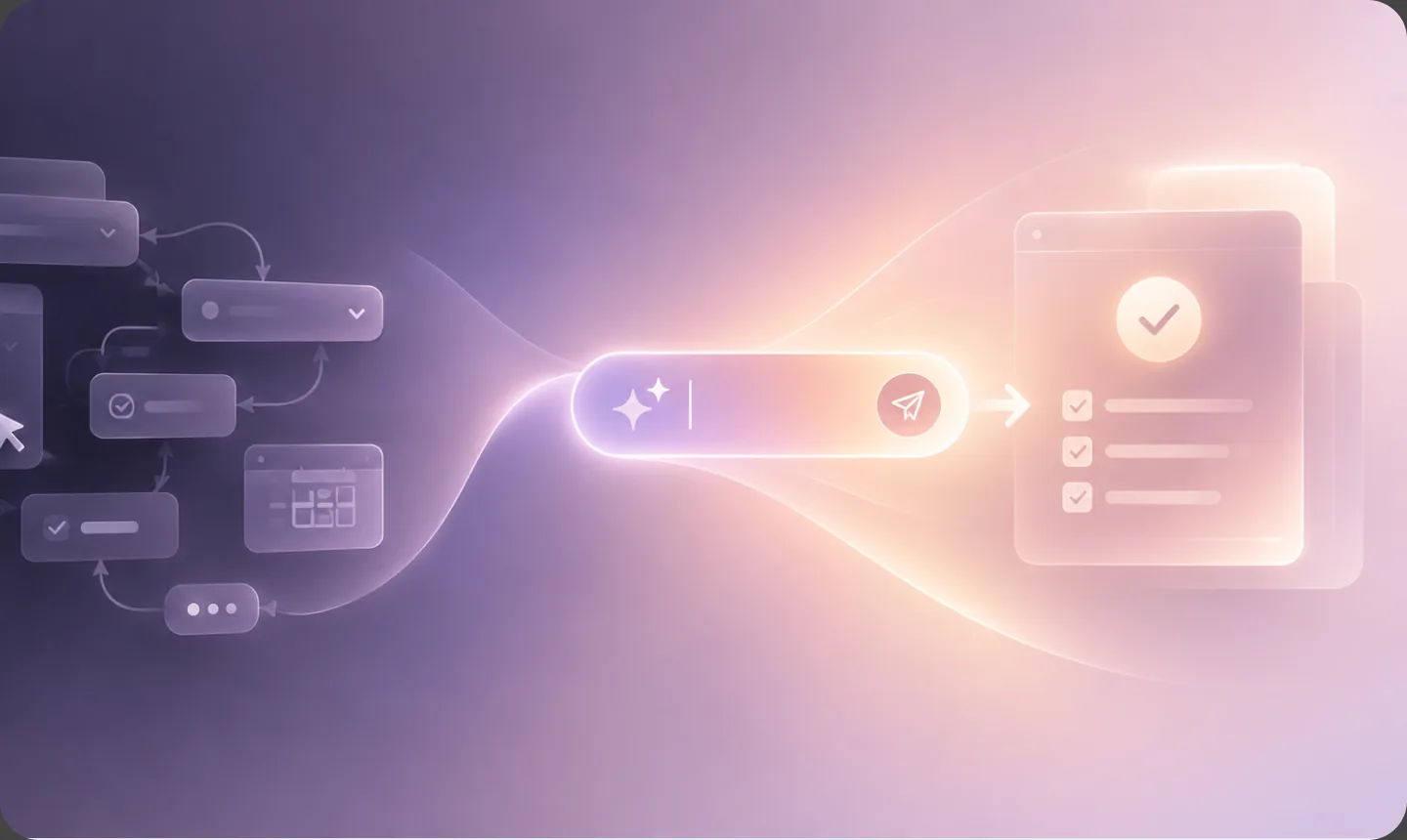
Instead of dozens of forms, buttons and screen transitions, the entry point can become a single field where the user describes their goal in text, by voice or with an image.
At the same time, the traditional interface doesn’t disappear. It becomes the space where the result is displayed, checked, edited and worked on further.
And perhaps this is one of the main shifts in UX in the age of AI: we’re moving from designing the path a user has to walk to designing a system that helps them reach the outcome they want.