01 — Introduction
Introduction
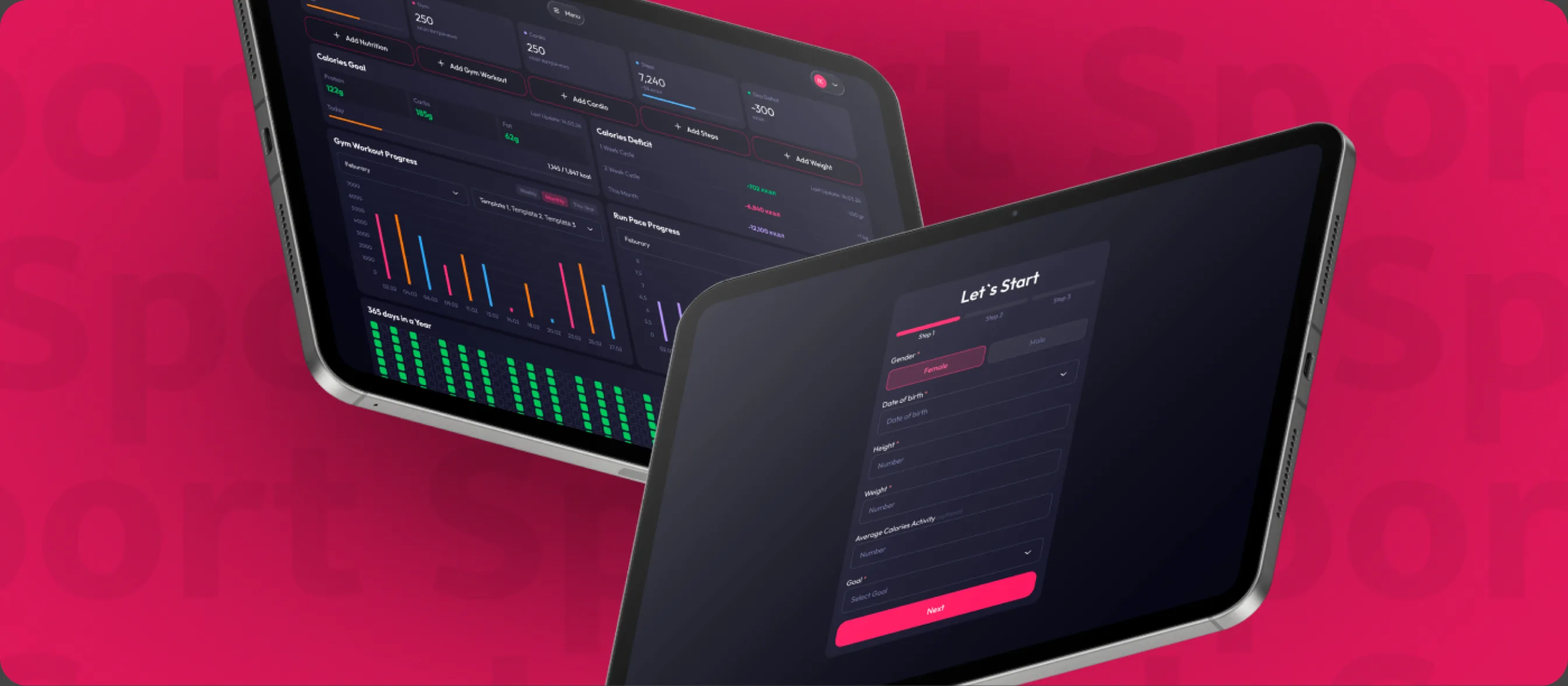
As someone who loves tracking all of my progress, I always had ideas I wanted to build — but I could only sketch and think them through; without development skills, I couldn’t bring them to life. I counted calories in one app, moved them to Excel where I logged my workouts, and tracked the number of workouts separately in Notion. There was no single system, so I decided to combine everything into one product for myself.
All that time, I was just a designer who could think a solution through at the layout level but couldn’t build it. Once AI entered my work, that started to change.
The question wasn’t whether I could design the solution, but whether I could take it all the way to a working product on my own, without a development team. The answer is yes — and here’s how it went.
02 — From idea to product documentation
From idea to product documentation
Before opening Figma, I wrote product documentation — not as a formality, but because I knew that once I started talking to Claude Code, a vague idea would cost me hours of rework. The MVP scope — four modules in order of priority:
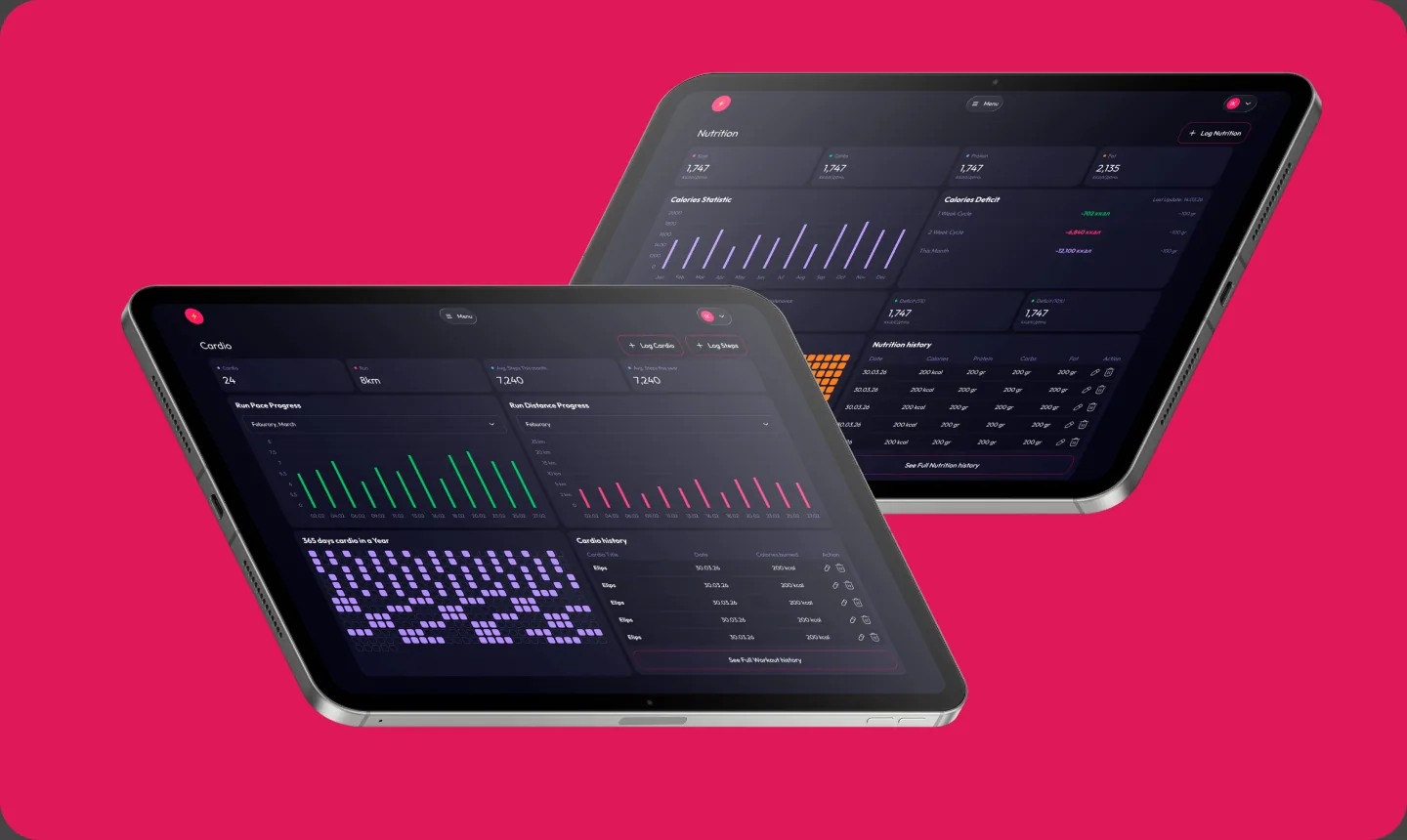
- Calories & macros — daily and weekly tracking based on a formula
- Workout tracker — strength training log, tonnage, progress per exercise
- Cardio & running — pace, distance, progress
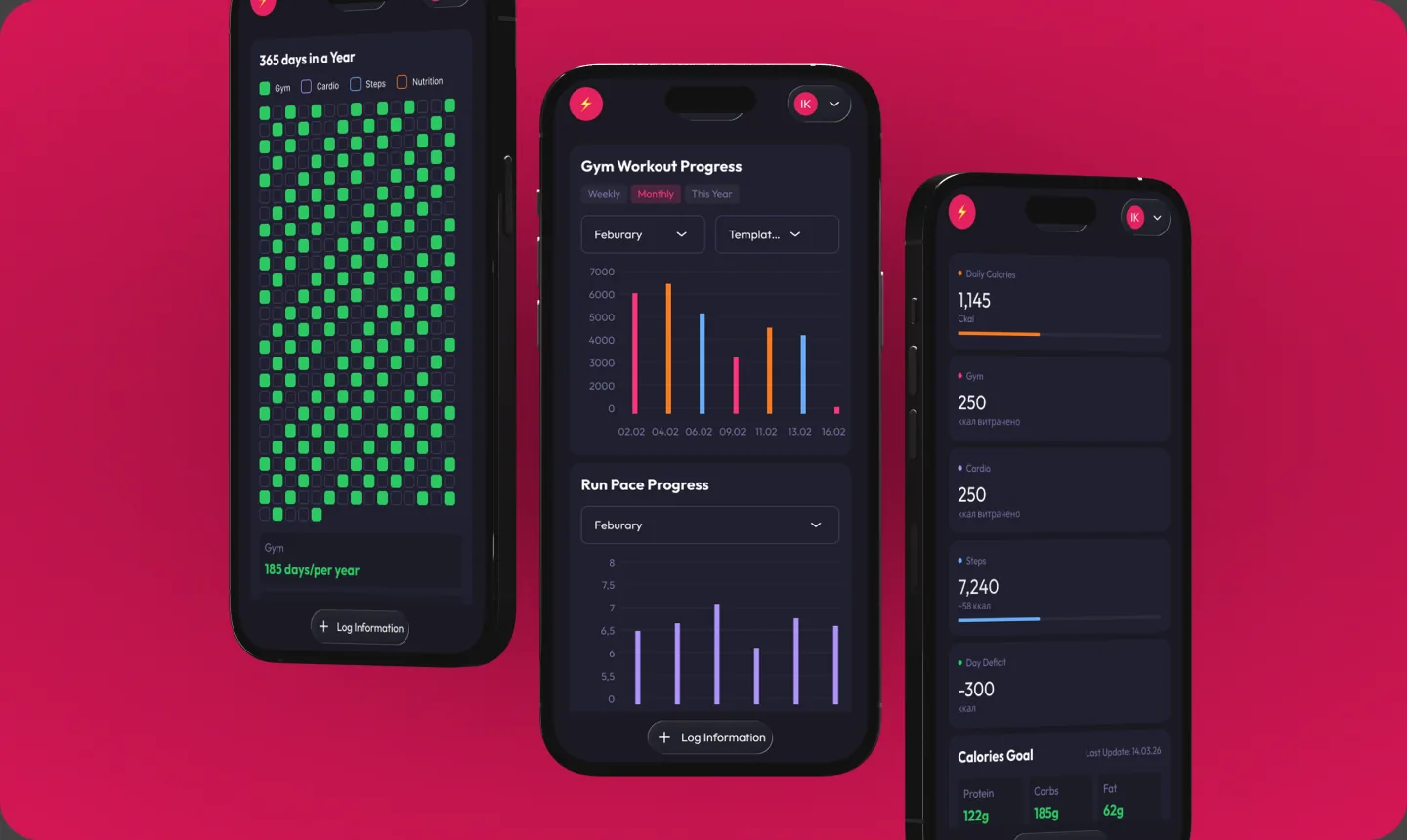
- Dashboard — daily summary, 365 activity squares
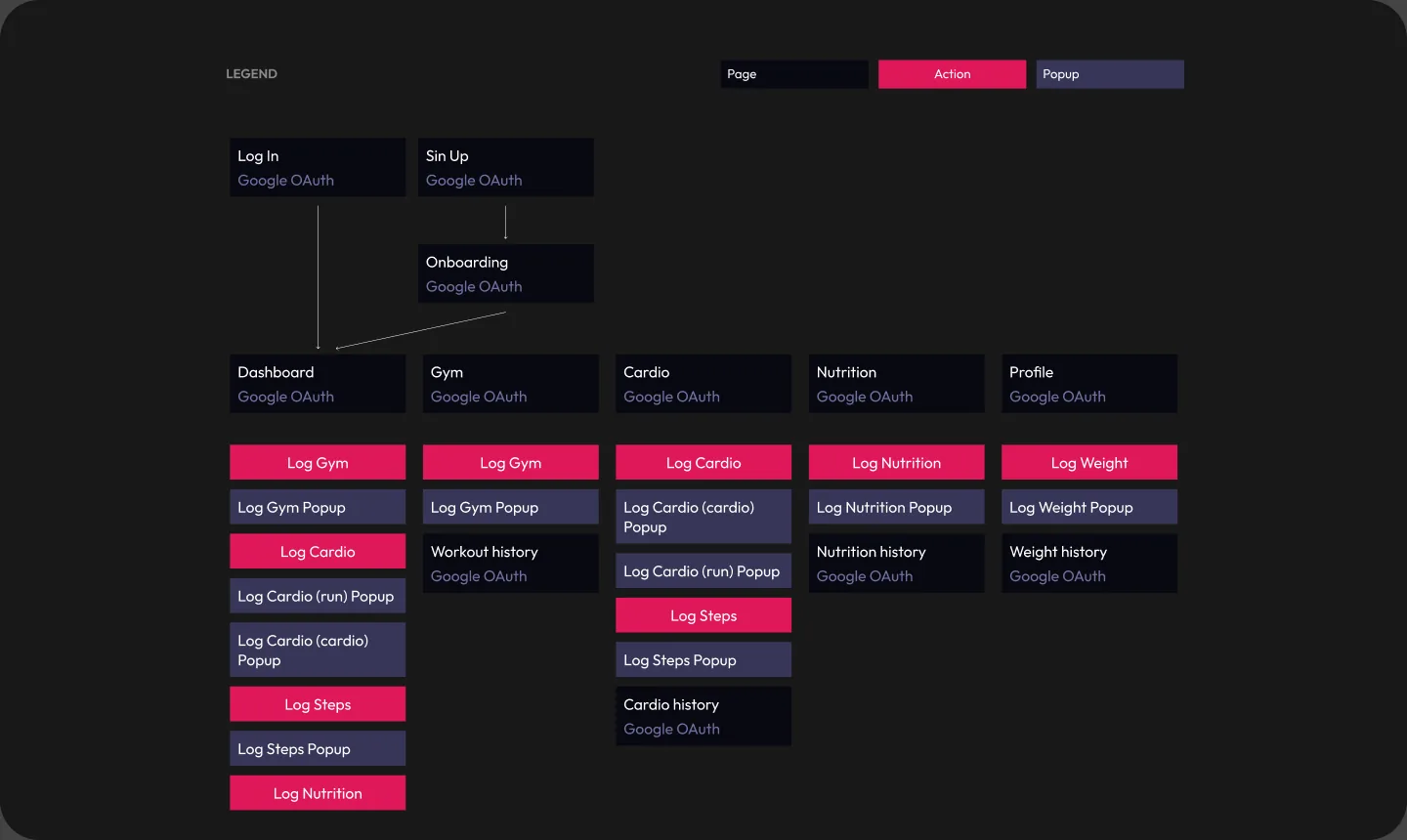
I narrowed the information architecture down to 19 screens: auth, a three-step onboarding, five main sections, four history screens and six pop-up modals.
product documentation: the dependency chain
03 — Tech stack
Tech stack
A standard modern stack — chosen so that every layer is well documented.
- (те саме / same)
04 — Workflow with Claude Code
Workflow with Claude Code
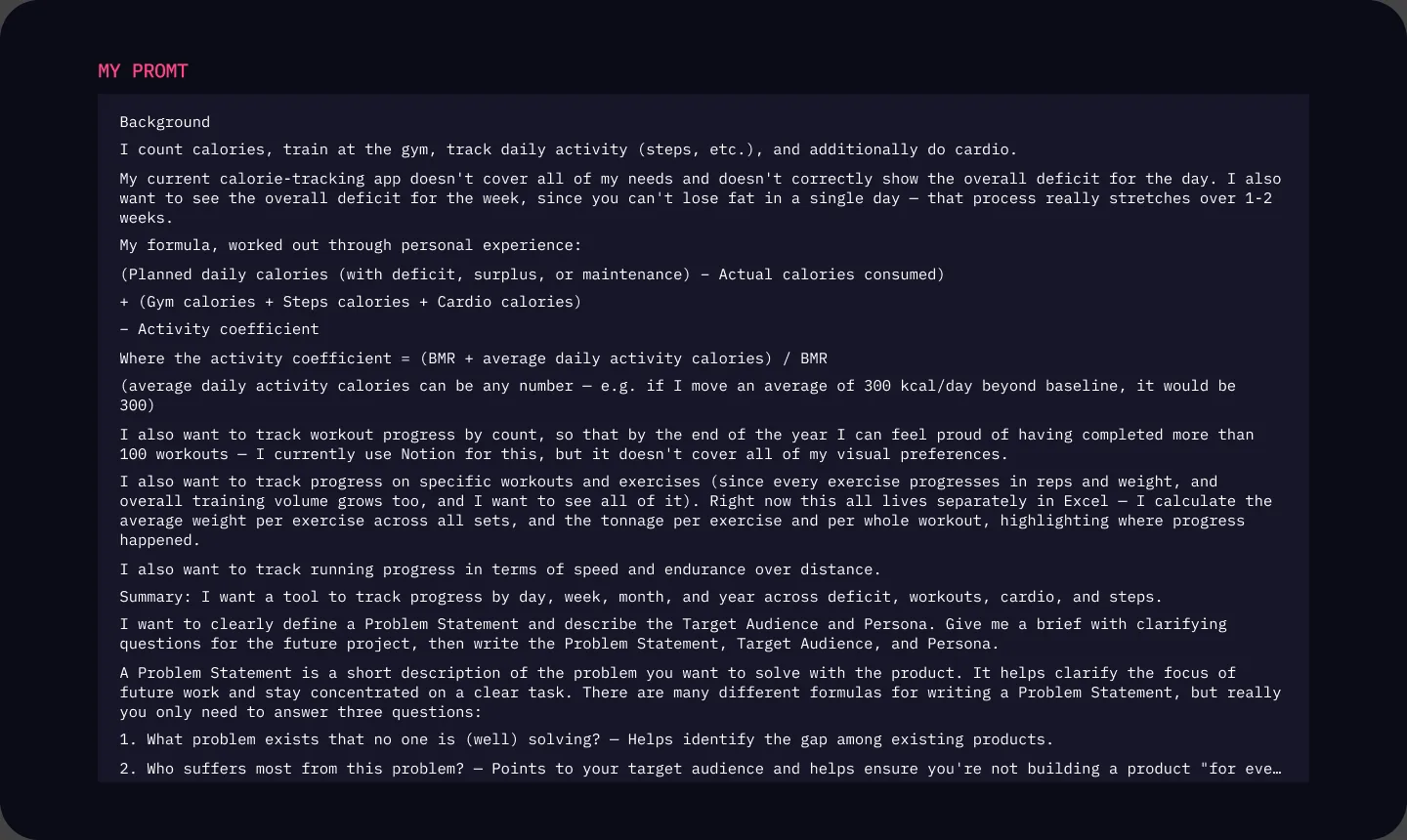
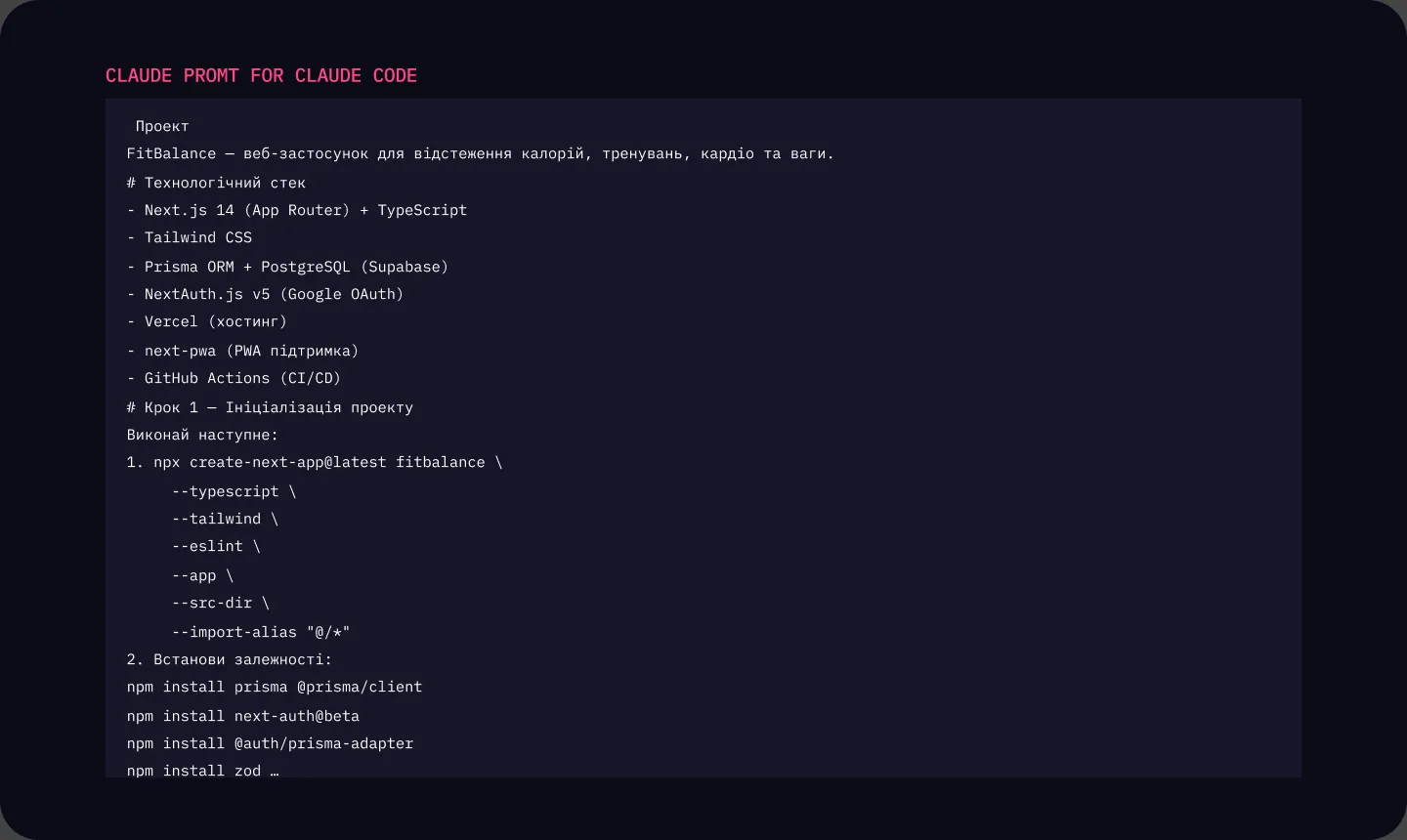
The “one prompt — one task” principle worked, but only because I wrote clear documentation first.
- 01Wrote the product documentation and formulas
- 02Gathered everything into one project md file
- 03Set the architecture with the first prompt
- 04One page — one prompt
- 05Separate prompts for every edit
- 06Built the tables and relations in Supabase myself
- 07Synced the frontend with the backend — real numbers on the dashboards
- 08Connected Google authentication
prompt-by-prompt workflow in the Claude Code project
05 — What I learned about AI-assisted development
What I learned about AI-assisted development
Documentation really is critical — especially the first prompt, which builds out the whole architecture. You can’t rush it.
Claude Code is great at generating UI components from a screenshot and implementing tasks from a clear description, but architecture and product decisions stay with the human.
06 — What’s next
What’s next
Next, I plan to sync the design system through Claude Code and Claude Design and finish the visuals.
And honestly, using a product you built with your own hands and head is a bit like living in an apartment you’ve bought but haven’t renovated yet: you know it’s yours, and that feels warm, but at the same time you see every flaw that still needs fixing.